High-Fidelity
Pattern Synthesis
Transform complex images into production-ready bead layouts with sub-millimeter precision. Powered by advanced color quantization and nearest-neighbor spatial mapping algorithms.
Powerful Pattern Creation Tools
Everything you need to convert, customize, and manage your bead art patterns in one professional workspace.
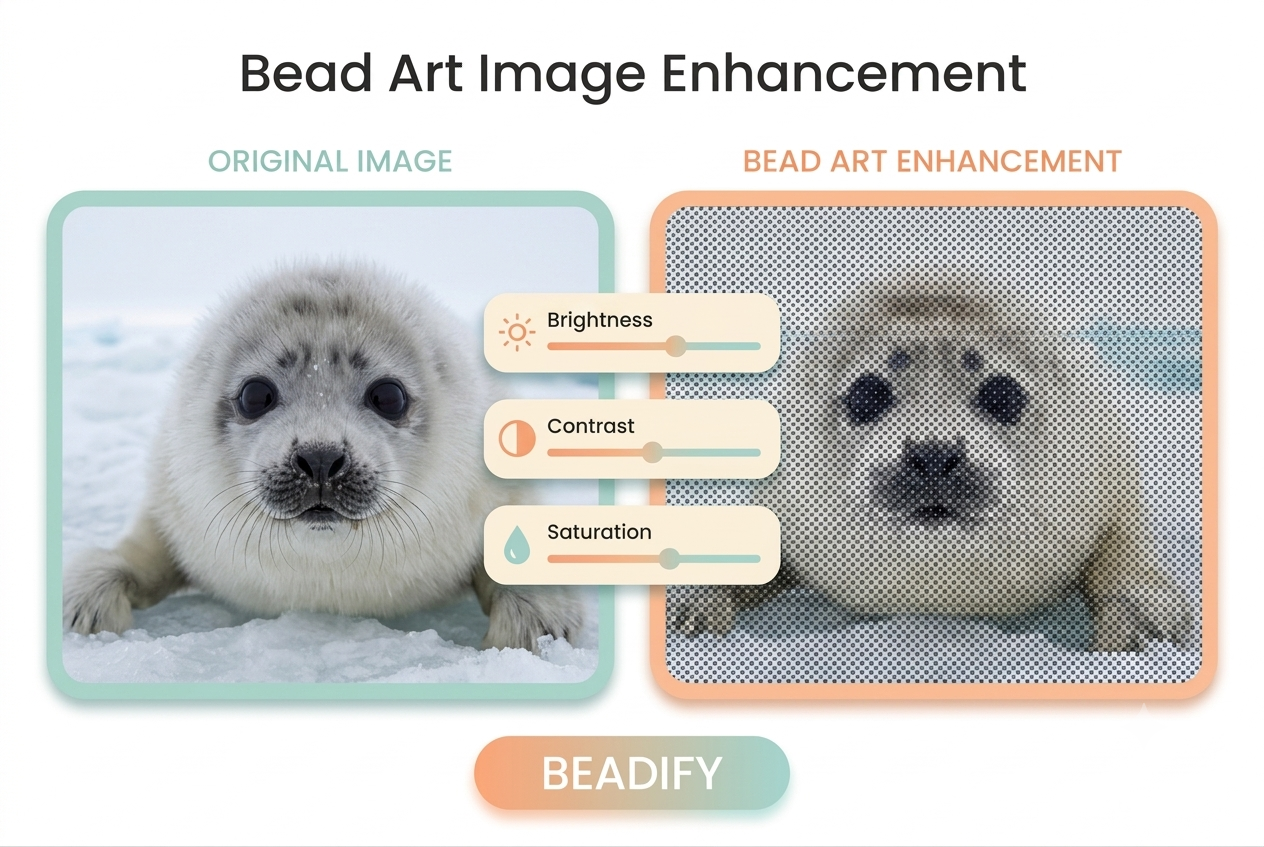
Advanced Image Enhancement
Fine-tune your source images before conversion to ensure the best possible bead output. Adjustments happen in real-time.
- Brightness & Contrast Control
- Saturation Adjustments
- Sharpening & Blurring Filters
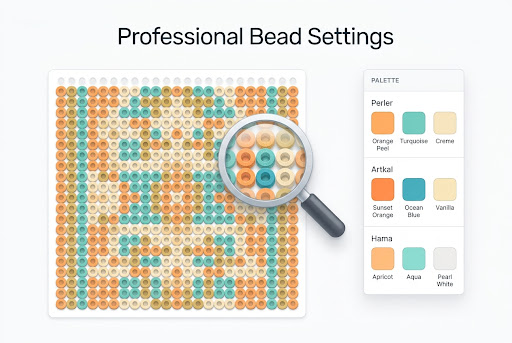
Comprehensive Bead Settings
Tailor the output to match your exact inventory and project requirements with extensive brand and grid options.
- Brand Palettes (Artkal, COCO, Hama, IKEA Pyssla, MARD, Nabbi, Perler, Simba)
- Flexible Grid Sizes (29x29, 50x50, 78x78, etc.)
- Max Color Limiter & Pixel Spacing
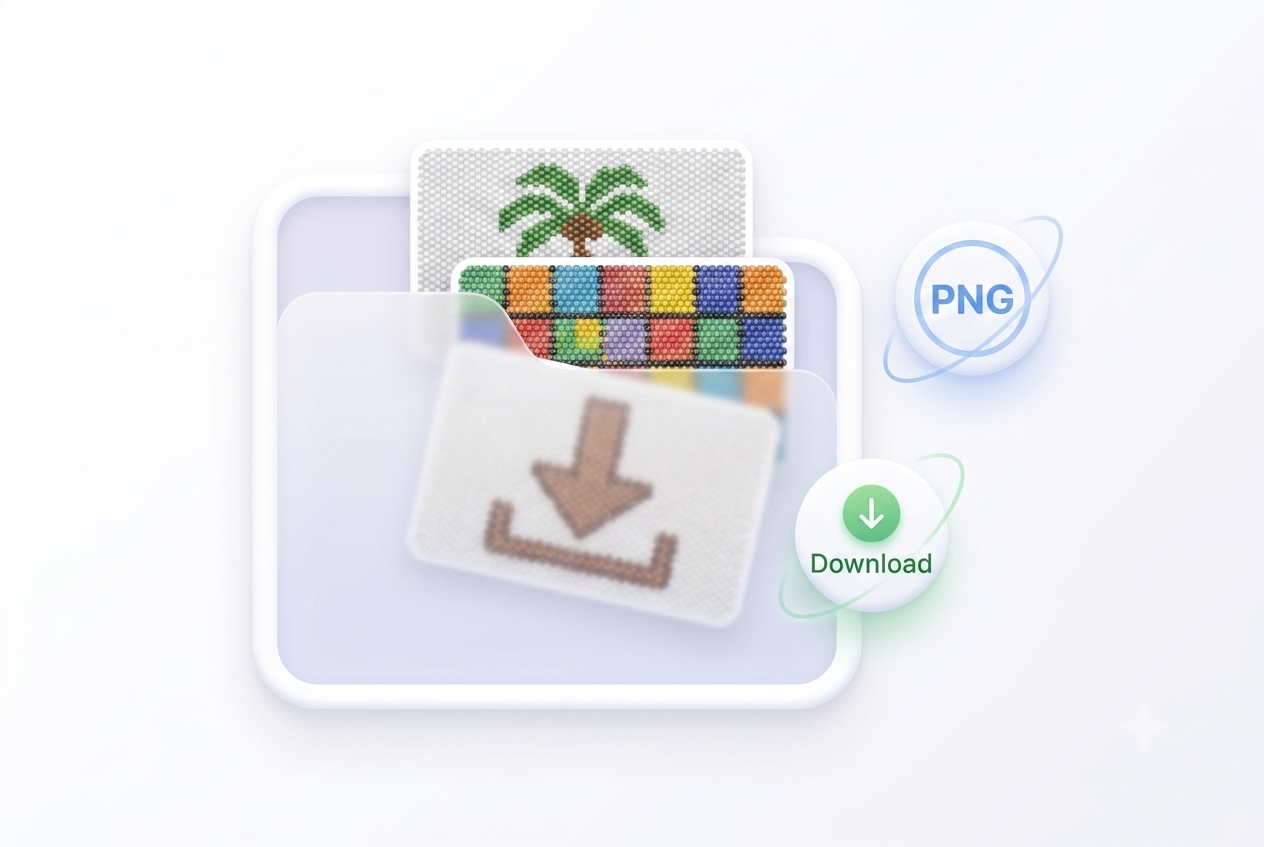
Robust Pattern Management
Keep your projects organized and ready for production with built-in storage and export capabilities.
- Save to Local Storage
- Pattern List with Thumbnails
- Material List & PNG Export
Text to Bead Patterns
Convert any text into pixel-perfect bead patterns. Choose from multiple fonts, adjust size and spacing, and render in single or multi-color mode.
- 10+ Fonts including Chinese & English
- Horizontal & Vertical Text Layout
- Single & Multi-Color Quantization
Official Brand Color Charts
Browse complete color palettes for all major bead brands. Find exact color codes, RGB values, and hex codes for your projects.
How It Works
Generate stunning bead patterns in three simple steps.
Upload Image or Text
Select any photo, graphic, or type text. We support JPG, PNG, WebP images and text-to-bead conversion with multiple fonts.
Customize Settings
Choose your bead brand, grid size, apply enhancements, and toggle 3D effects with center holes for realistic bead previews.
Generate & Save
Instantly preview your pattern, then export the blueprint and material list to start crafting.
Why Choose BeadChart
Engineered for accuracy. Our proprietary engine handles the heavy lifting with zero loss of semantic meaning.
High Color Fidelity
K-Means Color Quantization groups pixel colors into distinct clusters corresponding to real-world bead palettes, minimizing visual artifacting.
Precision Algorithms
Advanced Atkinson dithering prevents color banding, while Browser-native Canvas processing enables near-native processing speeds directly in the browser.
Diverse Support
Built for a global community with 9-language support, PWA installation, 3D bead rendering, touch gestures, and cross-browser compatibility.
Frequently Asked Questions
What browsers are supported?
BeadChart works on all modern web browsers including Chrome, Firefox, Safari, and Edge. For the best performance with large images, we recommend a desktop environment.
Can I use multiple bead brands in one pattern?
Currently, patterns are generated using a single selected brand's palette to ensure consistent color matching and material listing, but you can easily switch brands to compare results.
Is the tool available in languages other than English?
Yes! We support 9 languages. You can change your preferred language using the language selector in the top navigation bar.
Are my images saved on your servers?
No, all processing happens locally in your browser. Your images and patterns are completely private and save directly to your local storage.
Can I convert text into bead patterns?
Yes! Switch to Text mode in the workspace, type your text, choose a font, and adjust size and spacing. You can render in single-color for clean text patterns or multi-color for gradient effects using brand palettes.
Ready to create?
Upload an image or type text to create beautiful bead patterns in seconds.